
Routing using plain Node.JS

In the context of Node.js, routing refers to the process of determining how an incoming HTTP request should be handled and which code (usually a function or a set of functions) should be executed to generate the appropriate response. Routing is a fundamental concept in web development and is crucial for building applications with multiple pages, APIs, or endpoints.
Whoa, Whoa!!! That was too much information to take it. Let us break it down. So basically in layman terms routing simply refers to displaying different data for different urls. For example, google.com/images show a different page and google.com/maps show a different one. As simple as that.
Well we will obviously need a package to do routing since we don't want to do anything from scratch. The package we will be using is url.
const url = require ('url')
Now that we have done that, let us build a simple Hello World Server in Node.JS.
const http = require('http');
const url = require ('url')

http.createServer ((request, response) => {
    //code for server goes here
  response.writeHead(200, {
      'Content-Type' :
      'text/plain'
  });

 response.write("Hello World");

 response.end();
}).listen(1201);
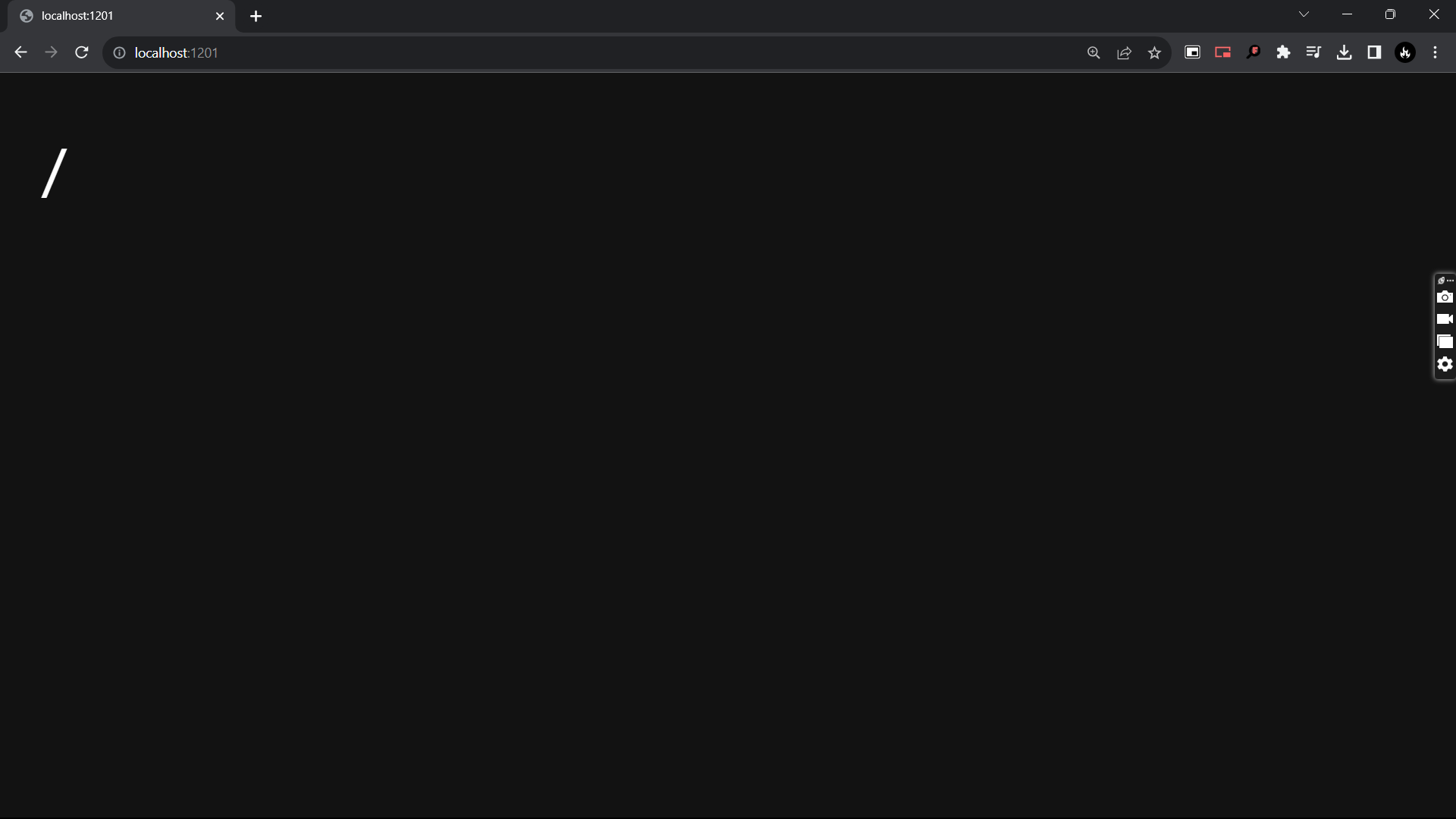
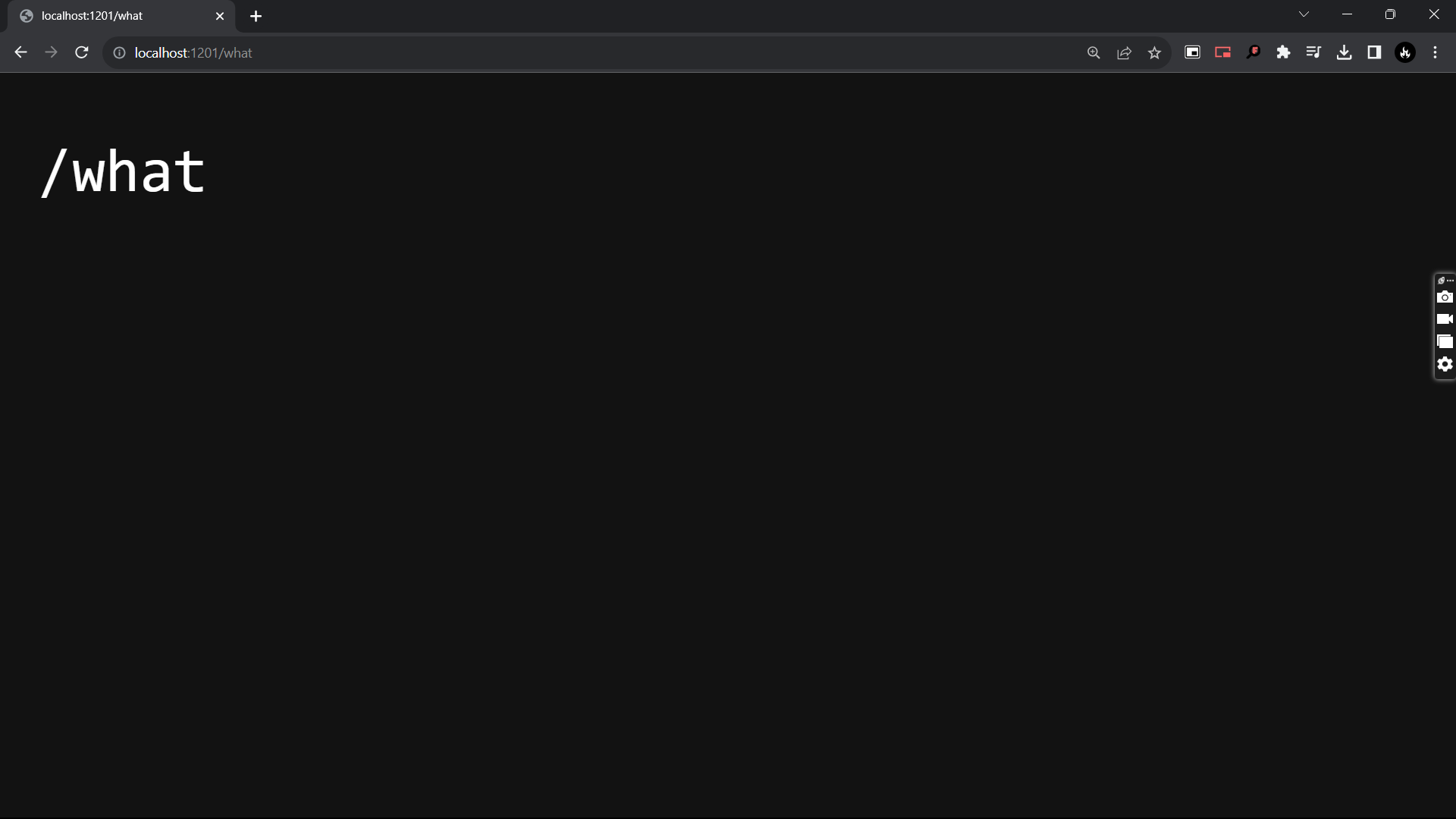
Now we want that instead of Hello World the path after localhost:1201 should be visible. So what do we do? We can replace "Hello World" with request.url which returns the path of the page's url.
const http = require('http');
const url = require ('url')

http.createServer ((request, response) => {
    //code for server goes here
  response.writeHead(200, {
      'Content-Type' :
      'text/plain'
  });

 response.write(request.url);

 response.end();
}).listen(1201);
And now let us run it in the browser.
Now let us give custom responses using a very simple if else statement. We can alternatively use switch case statement as well.
const http = require('http');
const url = require ('url')

http.createServer ((request, response) => {
    //code for server goes here


  if(request.url==='/'){
    response.writeHead(200, {
        'Content-Type' :
        'text/plain'
    });
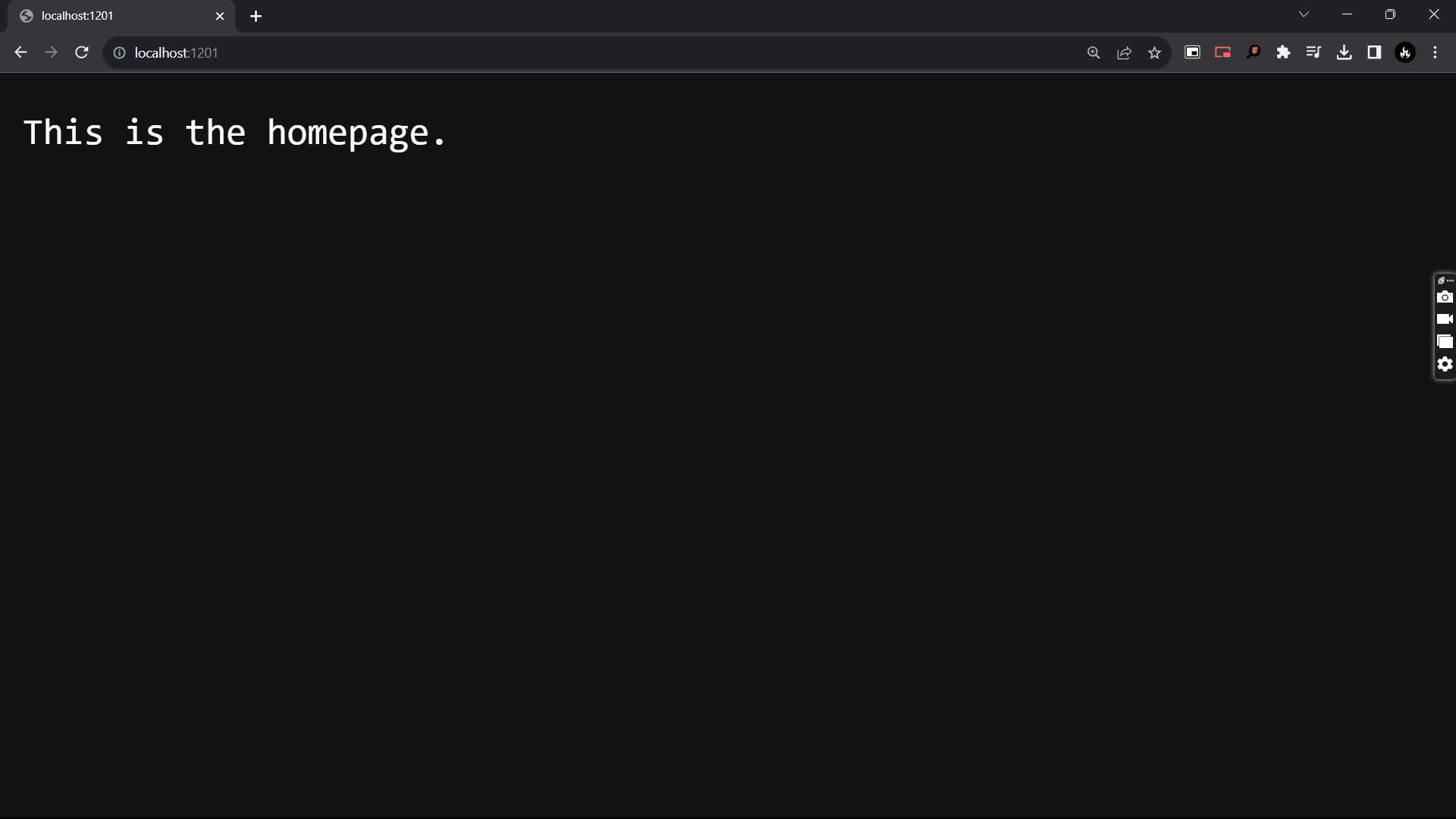
    response.write("This is the homepage.");
  }else if(request.url.length>3 && request.url.charAt(3)==='a'){
    response.writeHead(200, {
        'Content-Type' :
        'text/plain'
    });
    response.write("The third character of the path is alphabet a.");
  }else{
    response.writeHead(404).write("Page Not Found!!!");
  }


 response.end();
}).listen(1201);
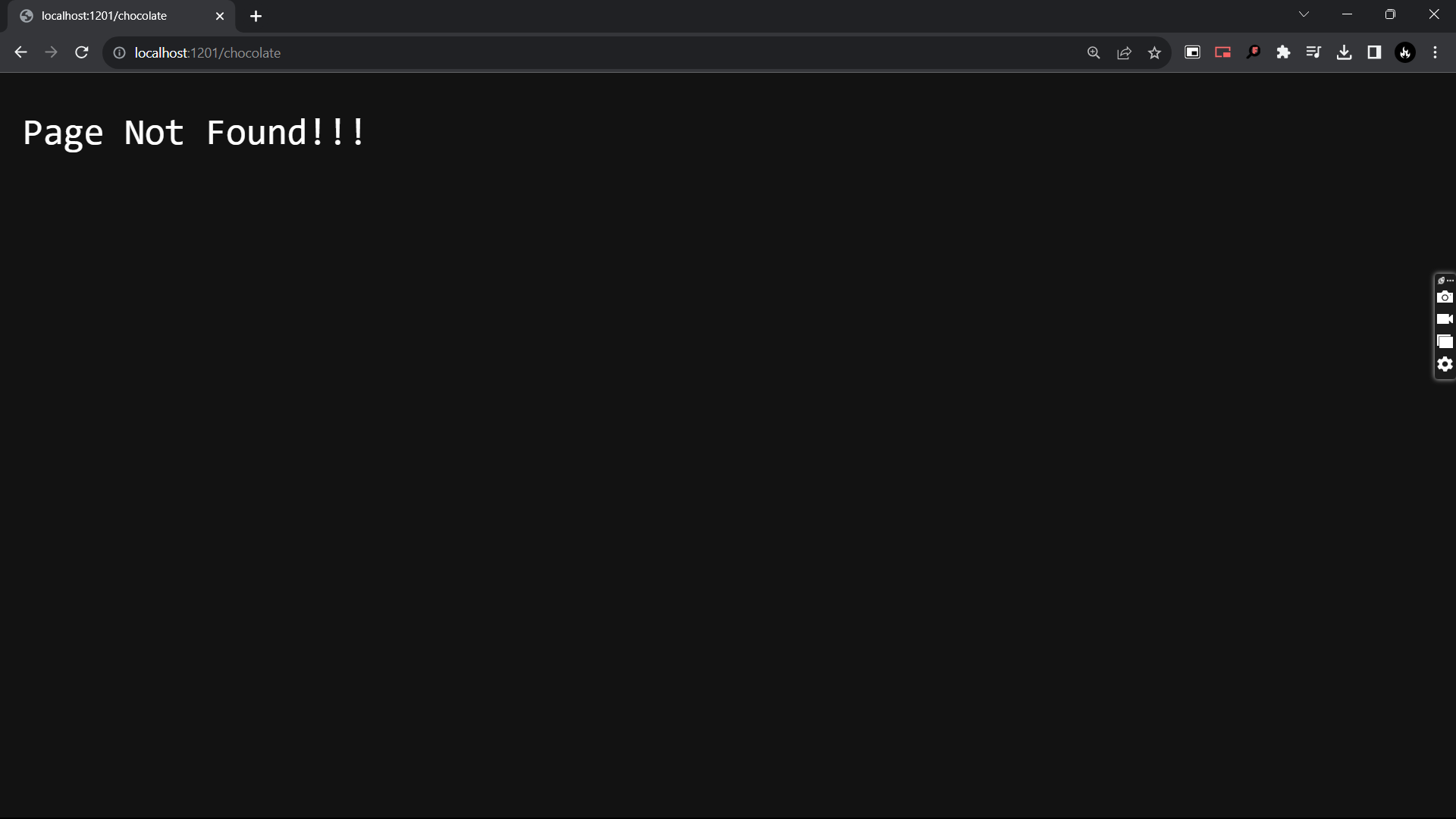
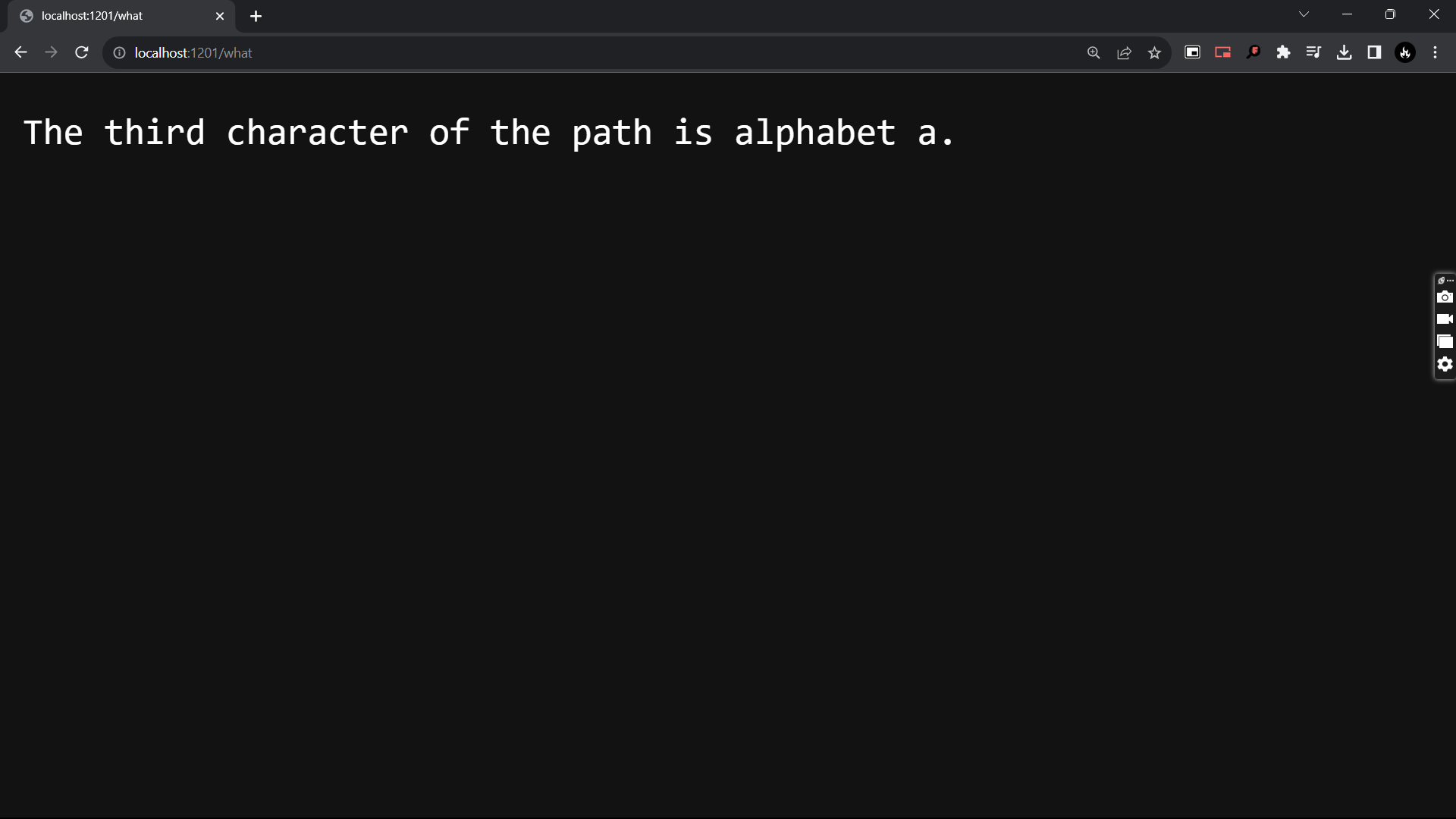
Now let us look at the above code. Here we take an if statement. If request.url is the homepage, then we display This is the homepage.. If request.url has a in the third place, then we display The third character of the path is alphabet a.. And finally if we do not find that page, we will display a 404 error Page not Found with a 404 head.
Now we know that all of this can get very messy quickly. Hence we have Express.JS to our rescue - but that is for another article.


